Intel vs AMD: Which Processor Should You Buy in 2026?
Intel vs AMD: Which processor deserves your money in 2026? Compare gaming performance, productivity, power efficiency, pricing, and upgrade options to discover which brand offers the best value and which CPU is right for your next PC build.
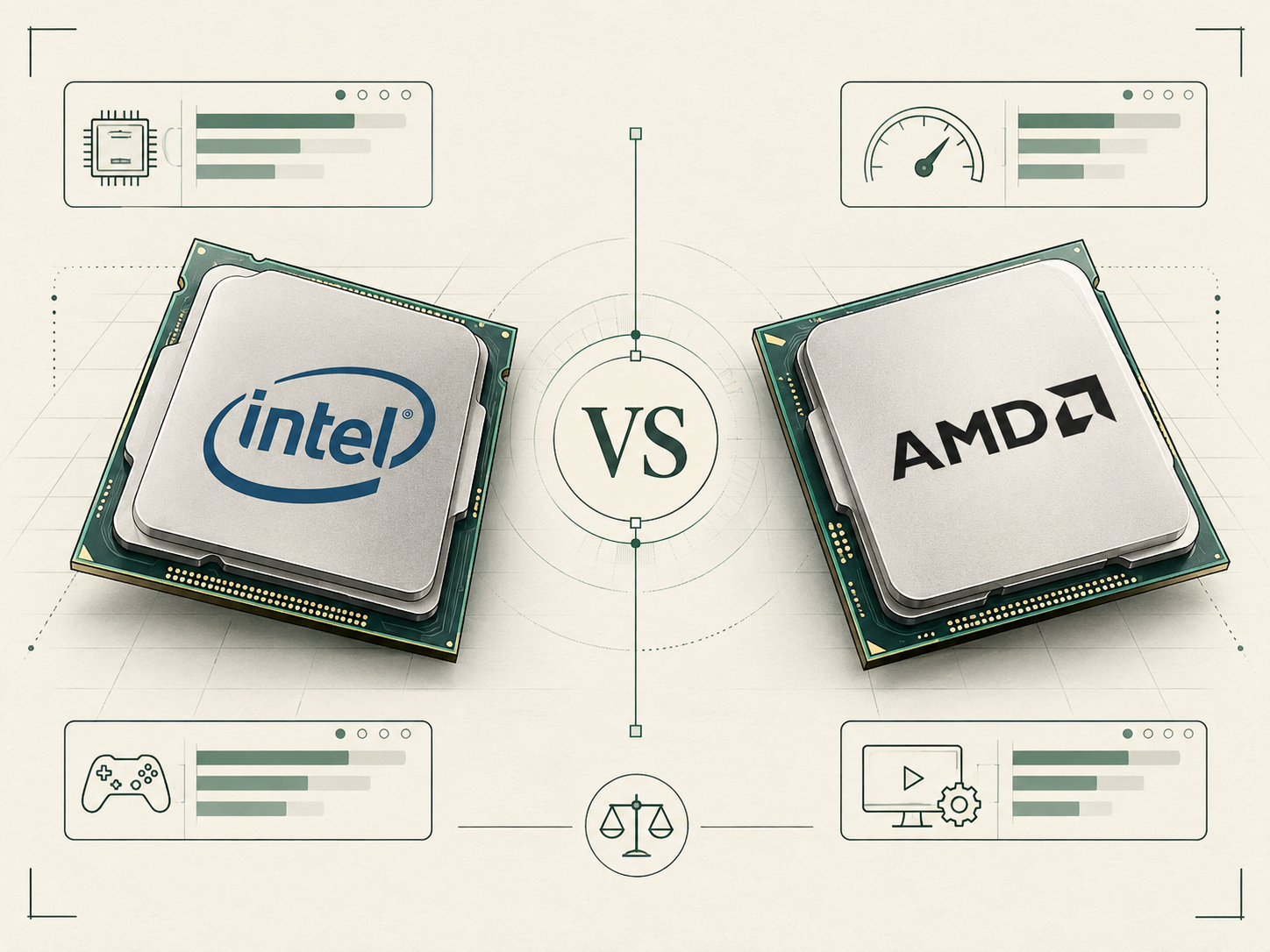
Last updated: 11 November 2026 | Versus | 9 min read
Choosing between Intel and AMD has never been more interesting. For years, PC enthusiasts have debated which company makes the better processor. Intel has traditionally been associated with strong single-core performance, while AMD has built a reputation for impressive multicore performance, competitive pricing, and gaming-focused processors.
But things have changed.
AMD’s Ryzen X3D processors have pushed gaming performance to new heights, while Intel’s latest Core Ultra 200S Plus processors have become serious competitors in productivity and value.
So, which processor should you actually buy in 2026?
Should you choose Intel for everyday computing and professional workloads, or is AMD the better investment for gaming and future upgrades?
Let’s put both brands head-to-head.
Intel vs AMD at a glance
Before diving into the details, here’s how the two companies compare across the categories that matter most.
| Category | Intel | AMD |
|---|---|---|
| High-end gaming | Competitive | Winner |
| Productivity | Excellent value | Excellent |
| Multicore performance | Very competitive | Excellent |
| Gaming-focused CPUs | Good | Excellent |
| Power efficiency | Model dependent | Model dependent |
| Platform longevity | More limited upgrade runway | Winner |
| Budget performance | Competitive | Competitive |
| Overall value | Strong | Strong |
There isn’t one winner for everyone. The best choice depends on your workload, budget, and how long you plan to keep your PC.
1. Gaming performance: AMD takes the lead
If gaming is your primary concern, AMD currently has the stronger high-end desktop lineup.
The biggest reason is AMD’s 3D V-Cache technology.
Traditional processors store frequently accessed data in cache memory. AMD’s X3D processors add significantly more cache using a stacked-memory design. This allows certain games to access important data more quickly, reducing delays and improving frame rates.
Some notable examples include:
- Ryzen 7 9850X3D: A flagship gaming-focused option.
- Ryzen 7 9800X3D: A powerful alternative that can offer better value.
- Ryzen 9 9950X3D: Combines high gaming performance with substantial productivity capabilities.
Intel hasn’t given up, though.
Its Core Ultra 7 270K Plus and Core Ultra 5 250K Plus processors have improved gaming performance significantly compared with earlier Arrow Lake desktop offerings.
However, AMD’s X3D processors remain particularly difficult to beat in CPU-limited gaming scenarios.
Does this difference matter in real gaming?
Imagine playing a competitive shooter at 1080p with a powerful graphics card.
Your graphics card can render hundreds of frames per second, but the processor must keep feeding it instructions. A faster gaming CPU can help maintain higher frame rates and better frame-time consistency.
Now imagine playing a visually demanding game at 4K resolution.
Your graphics card is more likely to become the limiting factor, making the difference between two high-end processors much smaller.
Gaming verdict: AMD wins the high-end gaming category, especially with its X3D lineup. Intel is still worth considering for budget-conscious builds and specific price-to-performance comparisons.
2. Productivity and multitasking: Intel fights back
Gaming isn’t everything.
Many people use their computers for video editing, software development, 3D rendering, programming, streaming, and multitasking.
This is where Intel becomes particularly interesting.
Intel’s hybrid architecture combines Performance cores (P-cores) with Efficient cores (E-cores). Performance cores handle demanding workloads, while efficiency cores help manage background tasks and heavily threaded applications.
The Core Ultra 7 270K Plus is an especially interesting processor in this category.
Independent testing by Tom’s Hardware found that it delivers exceptional application performance for its price, including competitive multithreaded performance against considerably more expensive processors.
AMD has equally serious options.
The Ryzen 9 9950X and Ryzen 9 9950X3D offer substantial processing power for demanding workloads. AMD also introduced the unusual Ryzen 9 9950X3D2, featuring 16 cores and 208MB of total cache.
However, an expensive flagship isn’t automatically the best professional workstation processor. The right choice depends on the applications you actually use.
For example:
- Video editing: Compare rendering and export times in your editing software.
- Programming: Look at compilation times and performance with your development tools.
- 3D rendering: Compare benchmarks in Blender, V-Ray, or your preferred renderer.
- Multitasking: Consider core performance, memory capacity, and application behavior.
Productivity verdict: Intel’s Core Ultra 200S Plus lineup offers excellent performance for the money. AMD remains highly competitive, particularly in demanding multicore workloads.
3. Power consumption and temperature
A processor’s performance tells only part of the story.
Power consumption and temperature also affect the overall computing experience.
A CPU that draws more power may require a stronger cooling solution and can increase the demands on your power supply and case airflow.
Neither brand wins this category automatically.
For example, the Ryzen 7 9850X3D is technically faster than the 9800X3D in gaming, but Tom’s Hardware measured only modest performance improvements alongside noticeably higher gaming power consumption.
Similarly, Intel’s Core Ultra 7 270K Plus can demand substantial power under heavy workloads.
When comparing CPUs, look beyond the advertised base power or TDP. Independent reviews that measure actual system power, temperatures, and performance per watt are much more useful.
Efficiency verdict: Compare the exact models. Don’t assume that every AMD processor is cooler or every Intel processor consumes more power.
4. Pricing and value for money
This is where things become more complicated.
A processor’s value isn’t determined by its launch price or performance alone.
You also need to consider:
- Motherboard cost.
- RAM compatibility and pricing.
- Cooling requirements.
- Power supply requirements.
- Performance in your actual applications.
Intel’s Core Ultra 5 250K Plus and Core Ultra 7 270K Plus make compelling cases in their respective price ranges.
AMD’s Ryzen 5 and Ryzen 7 processors are also competitive, particularly when discounts bring older models closer to their newer counterparts.
One important example is the Ryzen 7 9800X3D versus the 9850X3D.
The newer model is technically faster, but the performance improvement may not justify a substantial price difference.
A sensible buyer should compare the total build cost rather than simply buying the processor with the highest model number.
Value verdict: There is no permanent winner. The better deal depends on current street prices and the motherboard you intend to buy.
5. Future upgrades: AMD has an advantage
Here’s something many PC buyers overlook.
Buying a processor also means investing in a motherboard platform.
AMD’s AM5 platform has a particularly attractive upgrade story. AMD officially extended AM5 support through 2029, giving buyers a longer published upgrade runway.
That means someone building an AM5 system today has the potential to upgrade to a compatible future Ryzen processor without replacing the entire motherboard.
Intel’s Core Ultra 200S desktop processors use the LGA1851 socket and Intel 800-series chipsets.
They are not compatible with older LGA1700 motherboards, so moving from an older 12th, 13th, or 14th-generation Intel system to Core Ultra 200S requires a compatible new motherboard.
Always check the motherboard manufacturer’s CPU support list and BIOS requirements before purchasing an upgrade.
Upgrade verdict: AMD currently has the clearer long-term desktop socket commitment.
6. Which one is better for everyday use?
For browsing, watching videos, working with documents, online classes, and general multitasking, both Intel and AMD offer more than enough performance.
You don’t necessarily need an expensive Ryzen 9 or Core Ultra 9 processor to enjoy a fast computer.
In many everyday scenarios, you are more likely to notice the difference between an SSD and a mechanical hard drive, or between insufficient and sufficient RAM, than between two modern mid-range processors.
For a typical home or office PC:
- Choose a reasonably priced modern Ryzen 5 or Core Ultra 5.
- Prioritize sufficient RAM.
- Install a fast SSD.
- Don’t overspend on CPU performance you won’t use.
Everyday computing verdict: It’s a tie. Buy the better-priced complete system.
7. Intel vs AMD: Which one should you actually buy?
Let’s make the decision easier.
| Your primary requirement | Recommended direction |
|---|---|
| High-end gaming | AMD Ryzen X3D |
| Competitive gaming | AMD Ryzen X3D, depending on price |
| Budget gaming | Compare Ryzen 5 and Core Ultra 5 |
| Video editing | Compare Intel Core Ultra 7 and AMD Ryzen 9 |
| Heavy rendering | Compare high-core-count Ryzen and Core Ultra |
| Everyday computing | Whichever offers better value |
| Long-term upgrade path | AMD AM5 |
Our final verdict
So, Intel or AMD?
For most gaming enthusiasts looking for the highest possible CPU performance, AMD is currently the safer recommendation.
Its X3D lineup offers impressive gaming performance, and the AM5 platform provides an appealing upgrade path.
Intel, however, deserves serious consideration.
The Core Ultra 200S Plus series has made the company more competitive, especially for productivity workloads and buyers looking for strong performance without spending flagship-level money.
Ultimately, the smartest purchase isn’t necessarily the processor with the most cores, highest clock speed, or most expensive price tag.
It’s the processor that performs best in the applications you use, at a price that makes sense for your complete PC build.
Our advice: Don’t choose a team. Choose the processor that wins your workload.
Frequently asked questions
Is AMD better than Intel for gaming in 2026?
AMD currently leads the high-end desktop gaming category, particularly with Ryzen X3D processors. However, performance varies by game, graphics card, resolution, and CPU model.
Is Intel better for productivity?
Intel’s Core Ultra 200S Plus processors deliver excellent productivity performance, especially considering their pricing. AMD’s high-core-count Ryzen processors are also excellent for professional applications. Always compare application-specific benchmarks.
Which processor is better for long-term upgrades?
AMD currently has the clearer upgrade commitment, with AM5 support officially extended through 2029. Platform compatibility and motherboard BIOS support should still be checked before upgrading.
Does a higher clock speed mean a faster processor?
Not necessarily. Architecture, cache, core configuration, memory latency, and software optimization all influence real-world performance. Comparing GHz alone can be misleading.
Should I choose Intel or AMD for a new PC build?
Start by deciding what you intend to do with the computer. Then compare processors at similar prices, including motherboard and cooling costs. Choose the combination that delivers the best performance for your needs.